
88% of organizations report that e-signatures slash administrative time. Yet, many firms still struggle with abandoned documents and manual follow-ups. The friction isn't the signature. It's the process. If your clients must create accounts, download apps, or navigate clunky portals, they won't finish. Finding a modern digital signature platform for US businesses requires moving past these legacy hurdles.
You want faster turnarounds. You need a professional brand. You deserve total visibility. We understand the frustration of chasing a PDF that's stuck in a client's inbox or manually re-entering data from a completed form. This report shows you how to eliminate document friction and boost completion rates using modern, no-login e-signature workflows that prioritize the user experience.
We'll examine the 2026 efficiency landscape, automated document routing, and the shift toward frictionless client experiences. It's time to restore order to your operations and get back to work.
Key Takeaways
- Close the completion gap. Identify friction points. Remove the portal hurdles that stall your revenue.
- Ensure total legal compliance. Learn how ESIGN and UETA provide the foundation for every digital signature platform for US businesses.
- Simplify client intake. Map fields. Convert static PDFs into intuitive, guided web forms.
- Boost completion rates. Eliminate logins. Send direct, frictionless links that allow clients to sign in seconds.
- Gain operational control. Track documents. Route signatures automatically to maintain a professional brand image.
The Completion Gap: Why US Businesses Lose Revenue to Complex E-Signatures
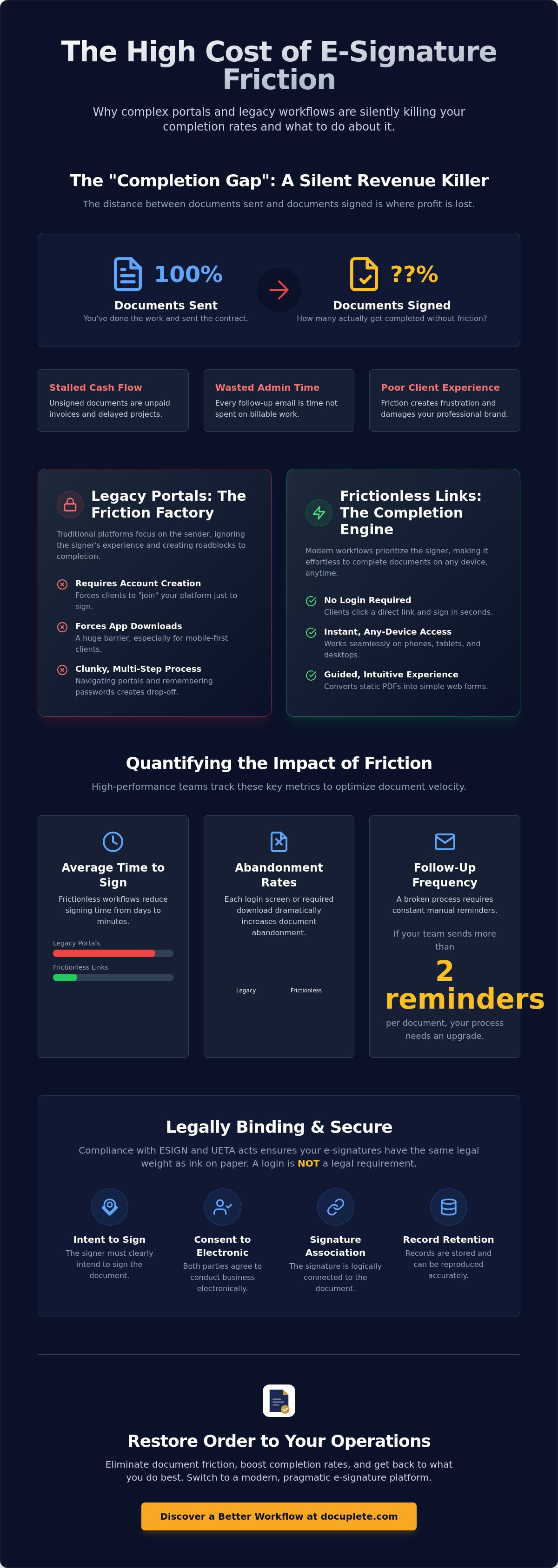
The "Completion Gap" is a silent revenue killer. It's the delta between the documents you send and the documents your clients actually sign. Many firms assume a sent document is a closed deal. This is a mistake. If your workflow relies on legacy systems, that gap is likely wider than you realize. Every unsigned document represents stalled cash flow and wasted effort.
Traditional platforms focus on the sender. They offer dashboards, folders, and complex settings. They ignore the signer. In 2026, the market has shifted. You don't need mere signing software. You need a completion engine. A robust digital signature platform for US businesses must prioritize the finish line over the starting point. What is an electronic signature if the client never actually completes it? It's just a digital dead end.
Friction costs money. It manifests as lost contracts, delayed intake, and endless administrative follow-ups. Every hour spent chasing a signature is an hour lost to billable work. Stop the bleeding. Eliminate the hurdles. Focus on finality.
The Problem with Traditional Login-Based Portals
Portals are roadblocks. They require account creation. They demand passwords. They force clients to "join" a platform just to provide a single signature. This is psychological friction. Clients feel like they're being managed rather than served. The moment a login screen appears, the completion rate drops.
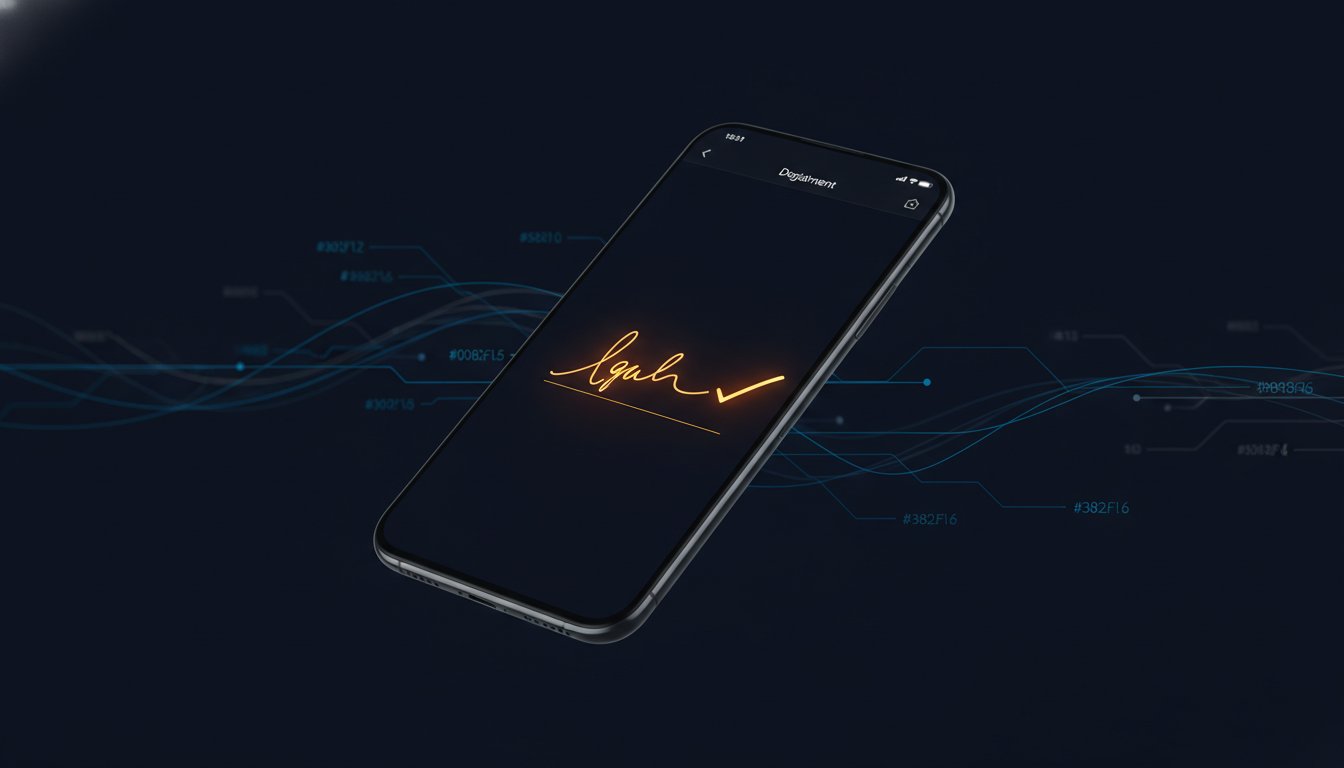
Mobile-first clients won't tolerate it. They open your email on a phone while between meetings. They see a login screen or a "download our app" prompt. They close the tab. Desktop-era workflows fail because they assume the client has the patience for a multi-step setup. Modern operations require a one-click experience that works instantly on any device.
Measuring Signer Friction in Your Operations
You can't manage what you don't measure. High-performance teams track the velocity of their documents. Start with three key metrics: average time to sign, document abandonment rates, and follow-up frequency per contract. If your team sends more than two reminders per document, your process is broken.
In real estate, a delayed signature kills a deal. In legal services, it stalls a case. In HR, it loses a top-tier candidate. Signer Friction is the primary enemy of operational velocity. When you use a digital signature platform for US businesses that removes every unnecessary click, you restore order. You move from static PDFs to guided experiences. You prioritize speed. You win.
US Legal Compliance: Navigating ESIGN and UETA Standards in 2026
Legality is non-negotiable. For any digital signature platform for US businesses, compliance isn't a feature; it's the foundation. Two primary laws govern your digital contracts: the Electronic Signatures in Global and National Commerce Act (ESIGN) and the Uniform Electronic Transactions Act (UETA). These frameworks ensure that an electronic signature carries the same legal weight as ink on paper.
Compliance hinges on four pillars. First, there's Intent. The signer must clearly intend to sign. Second is Consent. Both parties must agree to conduct business electronically. Third is Association. The signature must be logically connected to the document. Finally, Retention. You must provide a way to store and reproduce the record. Understanding the benefits of electronic signatures starts with mastering these legal requirements.
The ESIGN Act and Federal Validity
The ESIGN Act was passed in 2000. It established a federal baseline for digital commerce. It prevents contracts from being denied legal effect simply because they're electronic. State-level UETA has been adopted by 49 states, D.C., and several territories, mirroring these federal protections. Together, they create a reliable environment for modern operations. They provide the legal certainty required for high-stakes agreements.
A common myth persists. Some believe a signature requires a password-protected account to be valid. This is false. Neither ESIGN nor UETA mandates a login. Legal validity depends on attribution, not account creation. If you can prove who signed the document and when they signed it, the signature stands. Forced logins often create more friction than they solve, leading to abandoned contracts and lost revenue.
Audit Trails and Evidentiary Weight
Security lives in the audit trail. A professional digital signature platform for US businesses provides a detailed log of every action taken. This includes IP addresses. It tracks timestamps. It records browser metadata. This data creates a chain of custody that is often more robust than traditional paper records. It provides the clarity and finality you need for your records.
Document integrity is protected by tamper-evident seals. These digital markers ensure the document hasn't been altered after the signature was applied. If a single pixel changes, the seal breaks. This level of finality gives you calm control over your administrative work. If you're ready to modernize your intake, choosing a platform that prioritizes these standards is the first step toward true efficiency.
Comparing Digital Signature Platforms: Frictionless Links vs. Legacy Portals
The market for a digital signature platform for US businesses is split. On one side, you have legacy portals. They prioritize the sender's administrative filing system. On the other side, you have frictionless links. These prioritize the signer's completion speed. Choosing between them determines whether your documents get signed in minutes or linger for weeks. It's a choice between administrative clutter and operational flow.
The "Zero-Step" signer experience is the modern benchmark. In this model, the client receives a unique link. They click. They sign. They're done. There's no account to create. There's no software to download. This workflow respects the legal standards established by the Electronic Signatures in Global and National Commerce (ESIGN) Act while removing the technical barriers that stall progress. It's clean, professional, and fast.
Implementation speed matters just as much as signer speed. A pragmatic digital signature platform for US businesses allows your team to move from a static PDF to a sent link in under sixty seconds. You don't need complex enterprise suites that charge a "tax" for features you'll never use. You need a tool that does one thing exceptionally well: gets your documents completed. Focus on the cost-to-value ratio. Prioritize utility over hype.
Workflow Efficiency: Link vs. Email Invitation
Email is crowded. Invitations to "join a portal" often get buried in spam or ignored. Text-message signatures change the game. By sending a frictionless link via SMS, you reach clients exactly where they are. You meet them on their devices. You capture their attention instantly.
Guided web forms take this efficiency further. Unlike static PDF overlays, guided forms walk the signer through each field. They prevent errors. They ensure completeness. They automate the tracking and reminder process so your team can stop sending manual follow-up emails. This shift reduces back-and-forth communication and restores order to your intake process.
Scalability and API Integration
Manual uploads work for small batches. Growth requires automation. A developer API allows you to trigger signature requests directly from your own software. It connects your signing workflow to your CRM or internal databases. This eliminates manual data entry and ensures your records are always up to date.
Build a "Pragmatic Stack." Choose tools that play well with your existing US tech stack. Your signature platform should be a quiet, reliable engine in the background. It should handle the document tracking and routing without requiring constant oversight. When your tools work together, your business moves faster. You achieve finality with less effort.
Building Your Workflow: From Static PDF to Automated Client Intake
Static documents are liabilities. They are prone to errors, missing fields, and illegible data. Modern operations demand a dynamic approach. Building a workflow with a digital signature platform for US businesses starts with your existing assets. Take your professional PDF contracts. Upload them. Transform them into active completion engines. This isn't just about a signature. It's about data integrity and operational velocity.
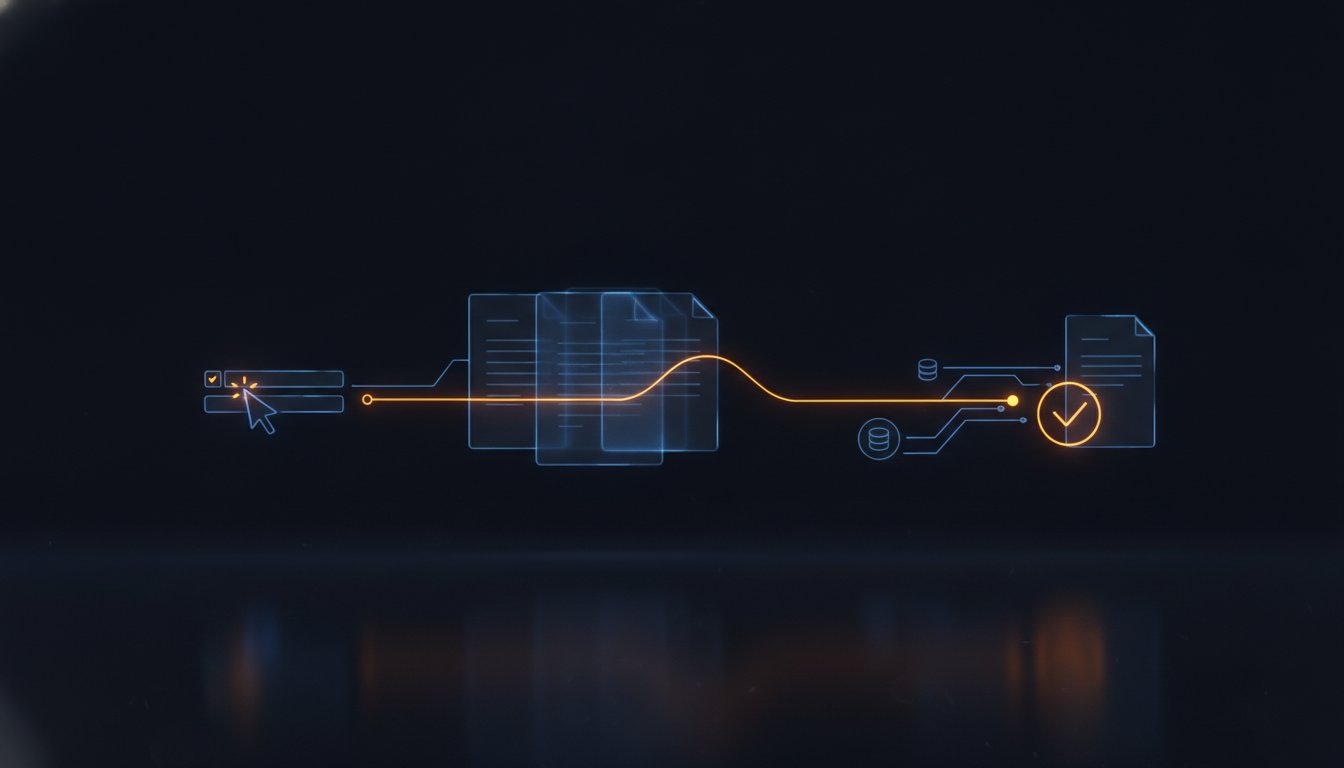
The transition from a passive document to an automated workflow follows a clear, logical sequence. You don't need a developer to start. You need a system that prioritizes finality. Follow these four steps to restore order to your intake process:
- Step 1: Upload. Bring your existing PDF contracts or intake forms into the platform.
- Step 2: Map. Drag and drop fields to create a "Guided Web Form" experience.
- Step 3: Deliver. Generate a secure, unique link for instant delivery via email or SMS.
- Step 4: Route. Set automated rules to send completed documents to your CRM or cloud storage.
This process eliminates the "Completion Gap" discussed earlier. It moves the document from your desk to the client's screen and back to your archive without manual intervention. It's clean. It's fast. It's final.
Transforming PDFs into Guided Experiences
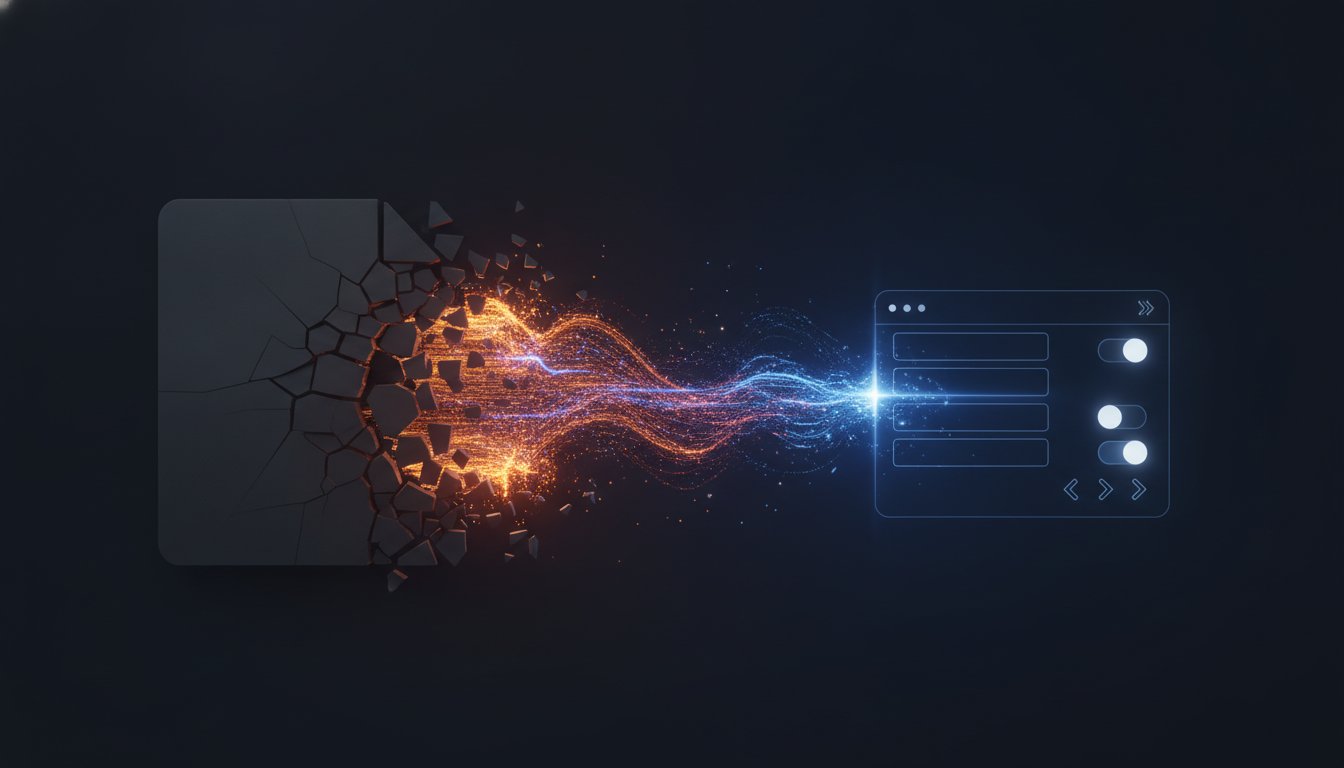
Guided forms outperform static PDF overlays because they prevent errors before they happen. Instead of overwhelming a client with a complex page of small text, you present bite-sized questions. This focus reduces "signer fatigue." It ensures 100% completion by making critical fields required and intuitive. When the process is easy, clients sign faster. You eliminate the psychological friction of "paperwork" and replace it with a professional, digital-first experience.
Automated Routing and Secure Storage
The work doesn't end when the signature is applied. You need a "Final Destination" for every document. Automated routing ensures that signed contracts are instantly returned to both the sender and the signer. No more manual downloads. No more lost attachments. Whether you prefer cloud storage or local archiving, your platform should handle the movement of data automatically. This level of automation allows you to maintain a professional brand image while focusing on higher-value tasks. Stop chasing files and start growing your business. Start building your automated document workflow today.
Docuplete: The Pragmatic Digital Signature Platform for US Operations
Docuplete is built for the professional who values time. It is not just another administrative tool. It is a completion engine designed to restore order to your workflow. By focusing on speed, simplicity, and results, it addresses the fundamental flaws of legacy systems that prioritize the sender over the signer. This platform exists to turn the messy reality of document management into a streamlined, predictable process.
The Docuplete philosophy is grounded in finality. Every feature must earn its place by removing a hurdle. Whether you are managing real estate contracts, legal intakes, or HR onboarding, the goal remains the same: get the document signed and the data captured. Using a modern digital signature platform for US businesses means moving away from the frustration of "pending" status and toward the calm control of "completed."
US businesses currently using Docuplete report reclaiming hours of administrative time every week. They stop chasing clients. They stop re-keying data from PDFs. They stop apologizing for clunky portals. Instead, they provide a sophisticated, professional experience that reflects the maturity of their brand. Speed is the ultimate service. Efficiency is the ultimate professional image.
Why No-Login is the Future of US Business
B2B transactions are evolving. Your clients now expect "Consumer-Grade" experiences in their professional lives. They want the same one-click simplicity they find in modern retail apps. If your signing process requires a password, you are already behind. Docuplete eliminates the login barrier to achieve industry-leading completion rates while maintaining the robust security your operations demand.
Security and ease of use are not mutually exclusive. Docuplete provides the comprehensive audit trails, IP tracking, and tamper-evident seals required for legal validity under federal and state laws. You get the protection of a high-security environment without the friction of a legacy portal. Docuplete serves as the bridge between static PDFs and dynamic web forms.
Your Next Steps Toward Frictionless Signing
Audit your current document workflow today. Identify the friction points where your clients hesitate. Look at your abandonment rates. If your team is sending multiple reminders for a single signature, your process is broken. Switching to a digital signature platform for US businesses that prioritizes the signer's experience is the fastest way to improve your operational velocity.
The transition is immediate. Docuplete is built for professionals who don't have time for long implementation cycles. The setup takes five minutes. You can upload your first PDF, map your fields, and send your first frictionless link before your next meeting. It is time to eliminate the disorder of manual paperwork and embrace the speed of automated intake.
Ready to eliminate friction? Start your Docuplete trial today.
Take Control of Your Document Lifecycle
Friction is the silent enemy of growth. You've seen the cost of the completion gap. You understand the legal weight of ESIGN and UETA standards. Now, you have the framework to choose a digital signature platform for US businesses that prioritizes the finish line. Results matter more than features. Completion matters more than sending.
Eliminate the login. Automate the routing. Restore the order. A professional brand isn't built on "forgotten password" emails or clunky portals. It's built on velocity, simplicity, and finality. Transition from static, manual processes to dynamic, automated workflows that respect your time and your clients' patience. Move from frustration to calm control.
Docuplete is fully ESIGN and UETA compliant. It requires no client login. It's purpose-built for US business velocity. Move past the administrative clutter and step into a future of streamlined operations. Your team deserves clarity. Your clients deserve ease. Every document sent should be a document signed.
Stop chasing signatures. Start using Docuplete.
Your time is your most valuable asset. Reclaim it today and get back to the work that actually drives your business forward.
Frequently Asked Questions
Is a digital signature without a login legally binding in the United States?
Yes, no-login signatures are fully legally binding under the ESIGN Act and UETA. These federal and state laws prioritize the signer's intent and the attribution of the signature over account creation. As long as the platform captures a robust audit trail, the document holds the same legal weight as a traditional ink signature. This approach makes it a highly effective digital signature platform for US businesses focused on speed.
How does a no-login signature platform verify the identity of the signer?
Verification relies on multi-point attribution rather than a password. The platform tracks unique identifiers including IP addresses, precise timestamps, and browser metadata. By delivering a secure, unique link to a verified email or mobile number, the system establishes a clear chain of custody. This creates a defensible evidentiary record that often exceeds the security of physical paperwork.
Can I send a PDF for signature via text message using Docuplete?
Yes, you can deliver documents instantly via SMS. You generate a secure, unique link for your document and send it directly to the client's mobile device. They click, review, and sign without ever needing to download an app or log in to a portal. This method bypasses crowded email inboxes and reaches clients where they are most active.
What is the difference between a digital signature and an electronic signature?
Electronic signature is the broad legal term for any digital process that indicates acceptance of a record. Digital signature refers to a specific technical subset that uses cryptographic encryption to provide higher levels of security. While the terms are often used interchangeably in business, the legal validity for most contracts rests on the broader electronic signature framework.
How do guided web forms improve document completion rates compared to standard PDFs?
Guided forms eliminate "signer fatigue" by breaking complex documents into bite-sized questions. Instead of presenting a wall of text, the system walks the client through each field step-by-step. This prevents errors before they happen and ensures all required data is captured. When the process feels like a simple interview rather than a chore, completion rates rise significantly.
Does Docuplete store my completed documents securely?
Yes, security and integrity are core to the platform. Every completed document is protected by a tamper-evident seal that breaks if any unauthorized changes are made. Access is restricted and monitored to ensure your sensitive business records remain private and secure. You maintain a professional archive that is always available for audit or internal review.
Is there an API available for integrating Docuplete into my own business application?
Yes, a Developer API is available for teams that need to scale their operations. You can trigger signature requests, track document status, and automate routing directly from your existing CRM or internal software. This eliminates manual data entry and allows your digital signature platform for US businesses to function as a quiet, automated engine in the background.
What happens if a client makes a mistake on the form before signing?
Clients can easily edit their responses within the guided form interface before final submission. The system uses real-time validation to catch common errors as they are typed. If a mistake is discovered after the signature is applied, a new document version should be generated to preserve the legal integrity of the original audit trail.